Wake up to your morning, not your feed.
Block the apps that keep you scrolling in bed.

Try for free today. Cancel anytime.
 Waike
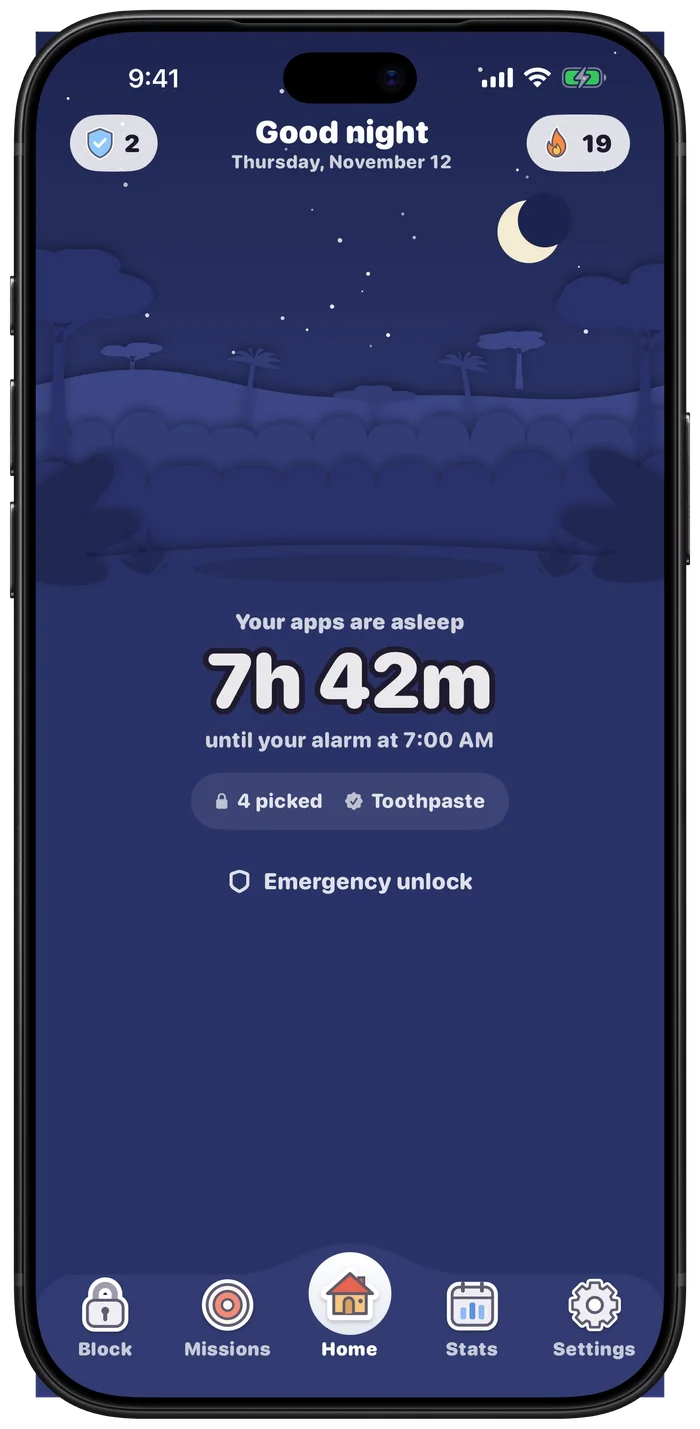
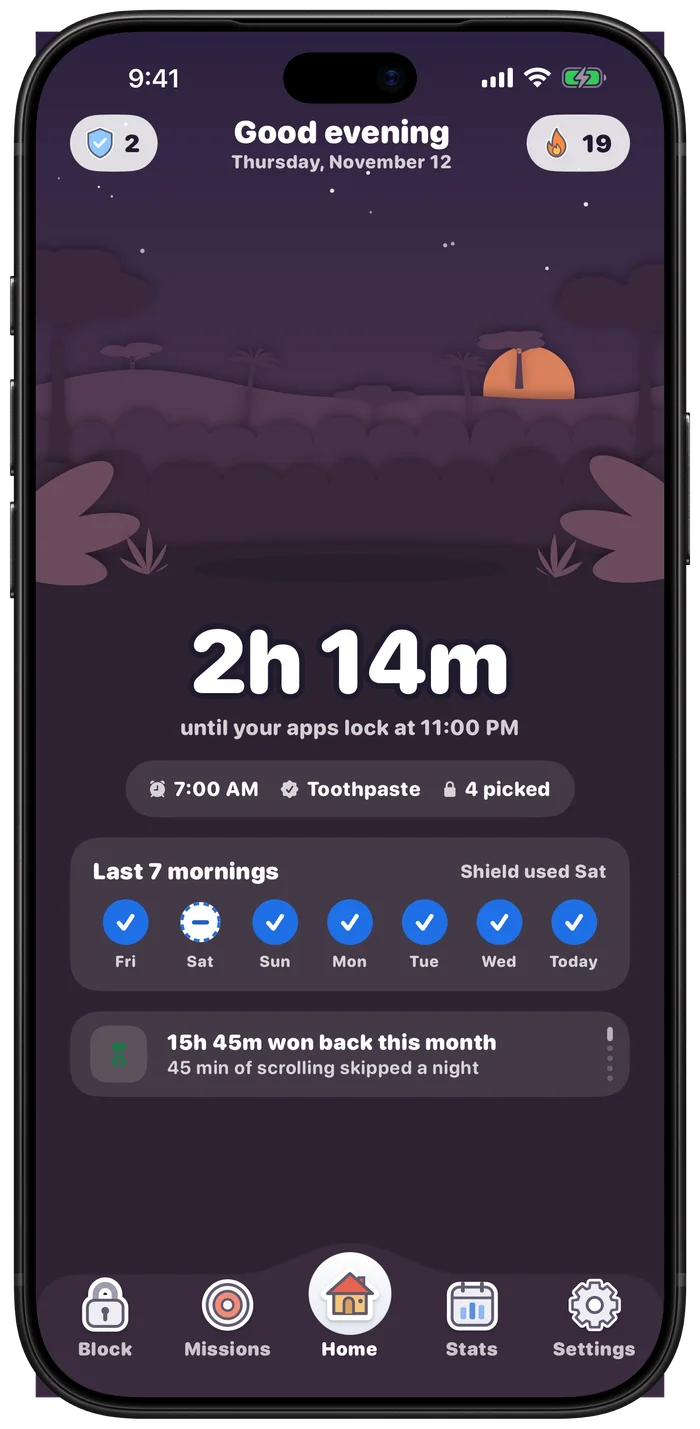
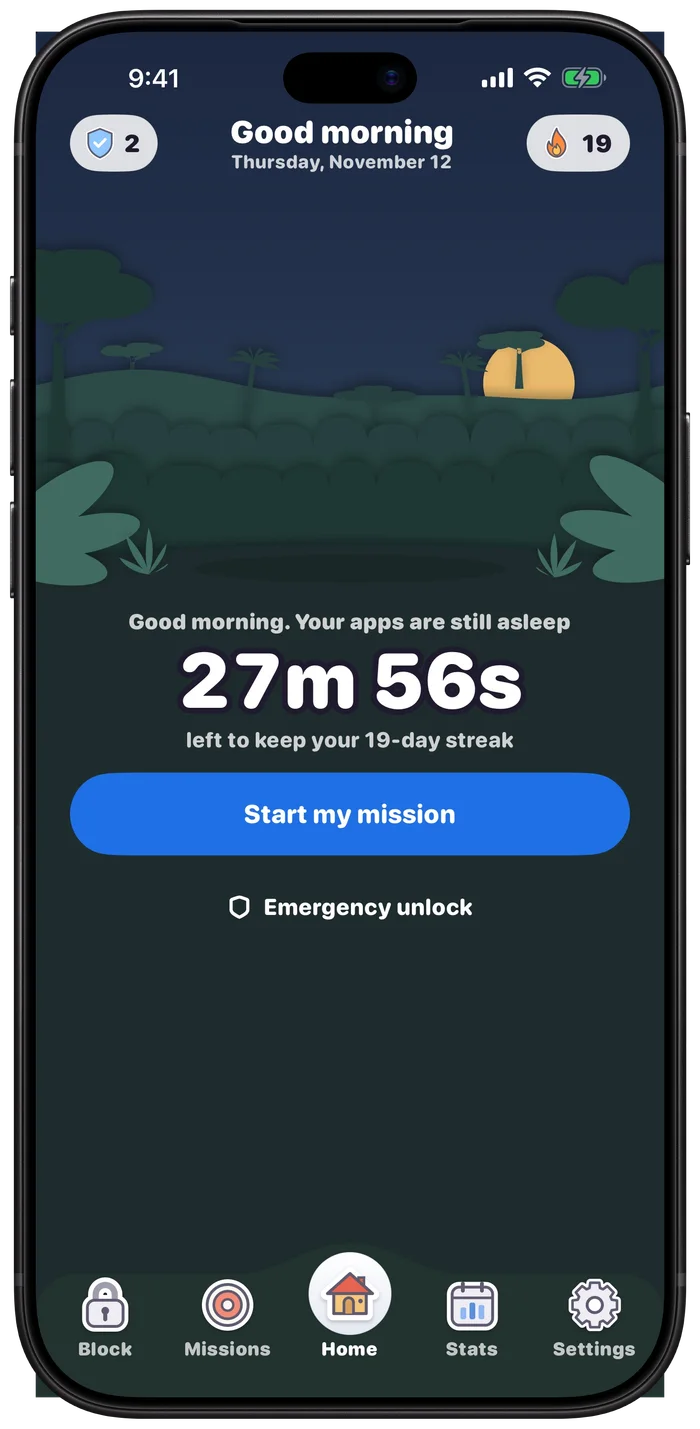
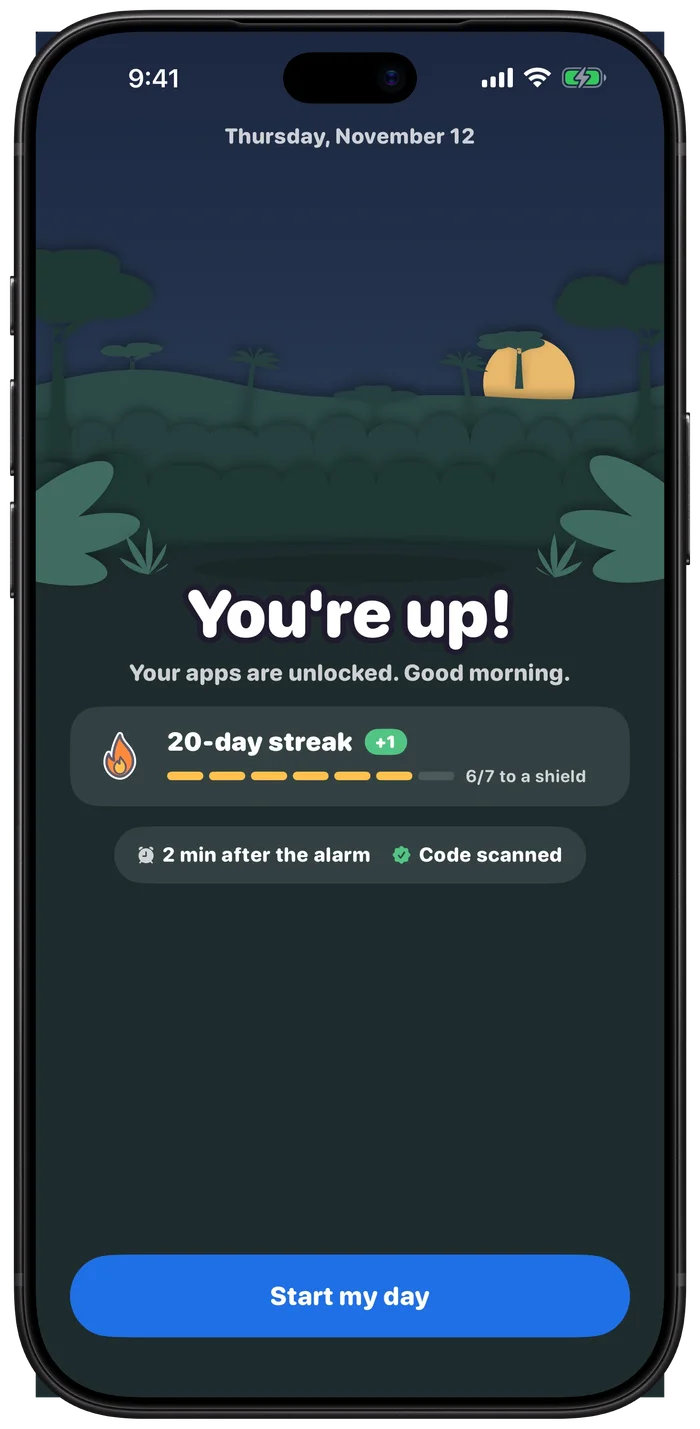
How it works
One night with Waike, from bedtime to breakfast.
Pick your mission
All three get you out of bed.
Easy
Scan a code
Your toothpaste, your coffee. Only the exact code you registered works, so keep it in another room.
Outside
Photo of the sky
Step outside or open a window. A ceiling won't count. Checked on your iPhone, never uploaded.
Active
10 squats or 5 push-ups
The camera follows your body and counts out loud. Nothing is recorded.
Pick one as your main mission. The other two stay as backups, every morning.
Strict, never stuck.
Firm about mornings. Kind when life happens.
Emergency unlock
Always there when you really need it.
Hold for 10 seconds, say why, and pick 5, 10 or 30 minutes.
I'm strict about mornings. Not about emergencies.
Streak shields
A bad morning won't erase your streak. Earned, never sold.
Private by design
No account. Camera and photos stay on your iPhone.
Questions
What if I really need my phone at night?
Use emergency unlock, as often as you need. Phone calls and the apps you didn't pick are never locked.
What if I miss the mission?
You have 30 minutes after the alarm to keep your streak. After that, a shield protects it if you have one. Your apps stay locked until you finish a mission, whenever that is.
How does Waike lock my apps?
It uses Apple's Screen Time. You pick the apps in Apple's own list, and Waike never sees which ones you chose.
Does it work without the internet?
Yes. Everything runs on your iPhone, with no account.
Which iPhones does it work on?
iPhone with iOS 26 or later. Waike uses Apple's newest alarm feature, which arrived in iOS 26.
Your apps sleep when you do.
For iPhone · iOS 26 or later